


It’s 4:47 p.m. on the Wednesday before Thanksgiving. Your grocery list is growing, traffic is thickening, and someone has just sent a message beginning, “One quick thing.”
Before you close your laptop with the confidence of someone who has already mentally become a dinner roll, leave a few breadcrumbs. Actual documentation, please. Stuffing cannot manage a project.
“Everything’s moving along” is reassuring until someone needs to know where it’s moving and whether it has brakes.
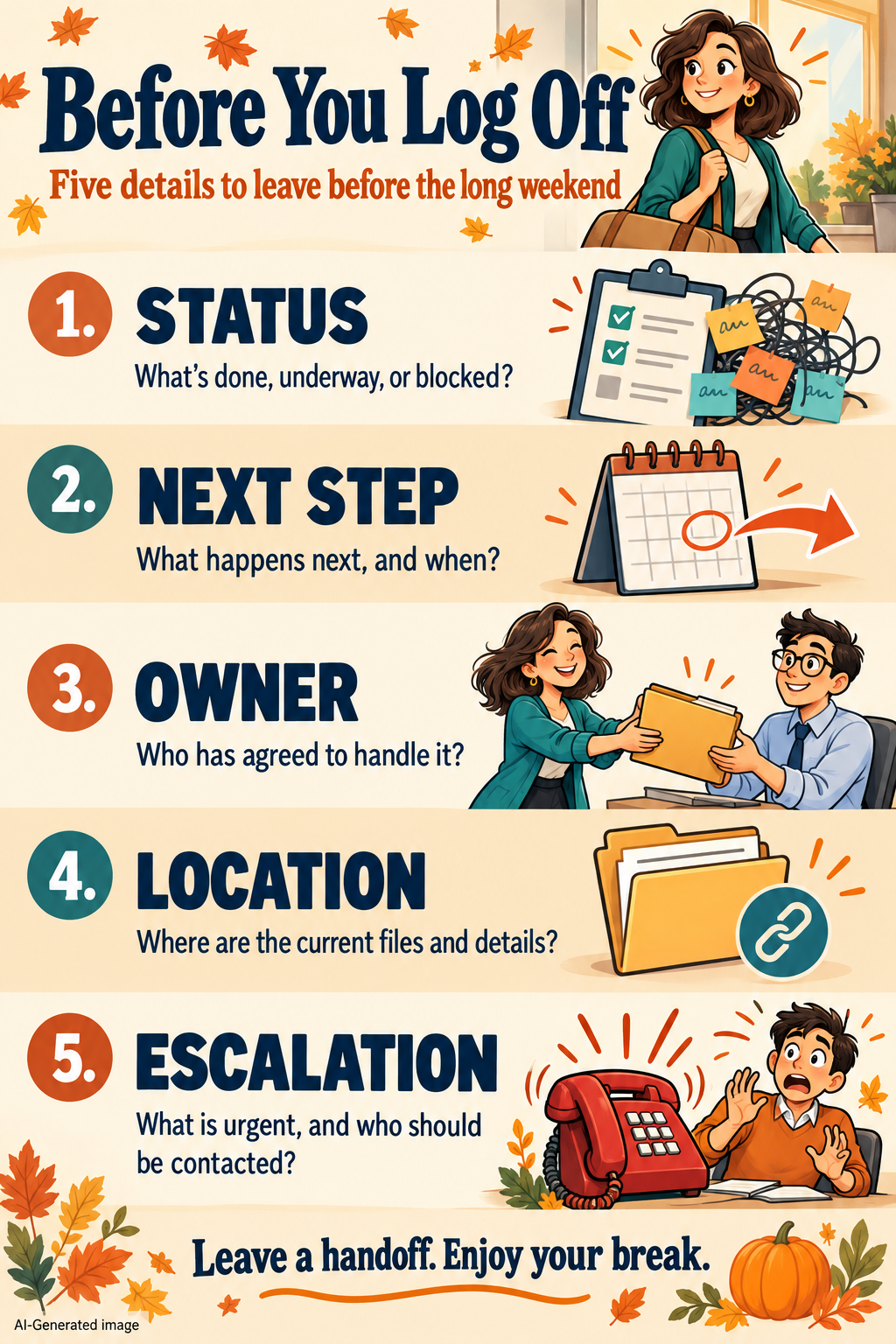
Record what’s finished, what’s underway, and what’s blocked. Add the next action, who owns it, and when it’s due. If something can wait until Monday, say so. Your coworkers shouldn’t need a séance to interpret the project tracker.
Somewhere nearby is another file called FINAL_final_revised_USE_THIS_ONE_v2.pptx. Neither inspires confidence.
Link directly to the current version in your shared workspace. Clarify whether it’s approved, awaiting review, or still a draft, and check that the people covering for you can open it. “It’s on my desktop” is a location, technically, but not a useful handoff.
“Someone else” has an impressive workload for a person who doesn’t appear in the company directory.
Name the person responsible and confirm they’ve accepted the handoff. Include the customer’s question, what’s already been communicated, any promised response date, and the next step. Put it in the shared system your team actually uses, rather than a private message nobody else can find.
An approval request can spend a long weekend quietly aging between a shipping notification and an invitation to an optional webinar.
Document what needs approval, who can provide it, the deadline, and what happens if it doesn’t arrive. Link to the material and flag any authorized backup approver. Sending the request is a step; it isn’t the same as getting a decision.
Your out-of-office message cheerfully directs urgent questions to Pat. Pat is currently directing urgent questions to a green bean casserole.
Ask before naming a backup. Confirm their availability, explain what qualifies as urgent, and provide the context and access they’ll need. Include your return date and the agreed escalation route. A surprise assignment is a terrible holiday side dish.
For anything that needs coverage, leave one short note:
A useful handoff helps everyone enjoy the break—including future you, returning to work with leftovers and very little interest in solving a workplace mystery.
The Unofficial User Guide to Thanksgiving (v3.1, Revised Post-Pandemic)
Every Organization Has a Dave (Until Dave Retires)
Documentation: The Unsung Hero of Crisis Prevention and Recovery