
Most organizations don’t set out to create chaos in SharePoint. It just… happens.
A folder here. A version there. A “final_final_v3” document that somehow becomes the official source. Over time, what starts as a useful repository turns into something harder to trust, harder to navigate, and harder to use when it matters most.
The problem isn’t SharePoint, and it’s not just a systems issue. It’s the absence of clear decisions about how knowledge should be captured, organized, and applied. Research from the American Productivity & Quality Center (APQC) shows that improving operational efficiency and processes is the top business priority for knowledge management (KM) (44% of respondents agree), yet many organizations struggle to translate that priority into something usable day to day.
If you want a system that actually supports performance, leaders need to move beyond storage and make five deliberate decisions.
Before governance, taxonomy, or tools, there’s a more basic question: what deserves to live in your system?
Many organizations try to store everything. The result is noise. Valuable content gets buried under outdated files, duplicates, and content that was never meant to scale.
A strong KM approach starts with clarity:
When everything is treated as equally important, nothing stands out. Prioritization is what turns a repository into a resource.
What good looks like:
Content is curated, not accumulated. If it doesn’t support performance, it doesn’t belong.

One of the fastest ways for SharePoint to degrade is unclear ownership. And in many organizations, it is not just unclear, it is unrealistic. APQC found that one of the biggest threats to KM is that employees are already stretched thin and do not feel they have time to contribute to it.
Documents get created, but no one is responsible for updating them. Teams assume someone else is maintaining content. Eventually, trust erodes because no one knows what is current.
Ownership is not just about authorship. It’s about accountability.
Without ownership, governance becomes theoretical. With ownership, it becomes operational.
What good looks like:
If someone asks, “Is this still accurate?” there is a clear person who can answer.
Governance often exists as a document that few people read and even fewer follow.
For KM to work, governance needs to be simple, visible, and embedded in how work gets done.
That includes:
The goal is not to create complexity. It is to create consistency. When governance is practical, it reduces friction instead of adding to it.
What good looks like:
People don’t have to guess where to put content, how to name it, or whether it is ready to publish.
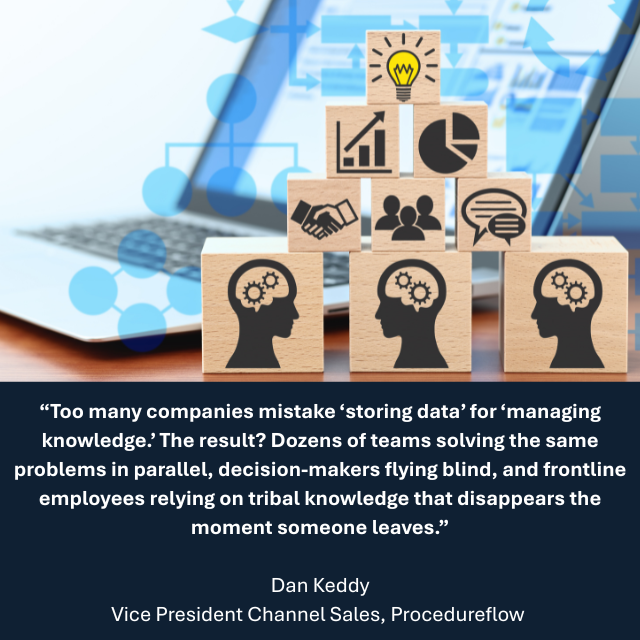
This is where taxonomy comes in, and it’s where many systems fall apart.
Folders alone are not a strategy. They reflect how content is stored, not how people search.
A strong taxonomy is built around how users think and how work flows:
Taxonomy is not about being technically correct. It is about being intuitive.
If users have to hunt for information, they will create workarounds. That is how duplication starts and systems lose credibility.
What good looks like:
Users can find what they need in a few clicks or a quick search, using terms that make sense to them.
Even well-organized content fails if it lives too far away from where work happens.
A true KM system connects information to action:
This is where knowledge becomes valuable. Not when it is stored, but when it is used.
When employees can access the right information at the right moment, performance improves naturally.
What good looks like:
People do not ask, “Where is the document?” They ask, “What do I need to do next?” and the answer is right there.
Rapid growth is exciting until every location starts doing the same work in slightly different ways. This example shows what happens when a company moves from scattered information to structured KM, and the operational clarity that follows.
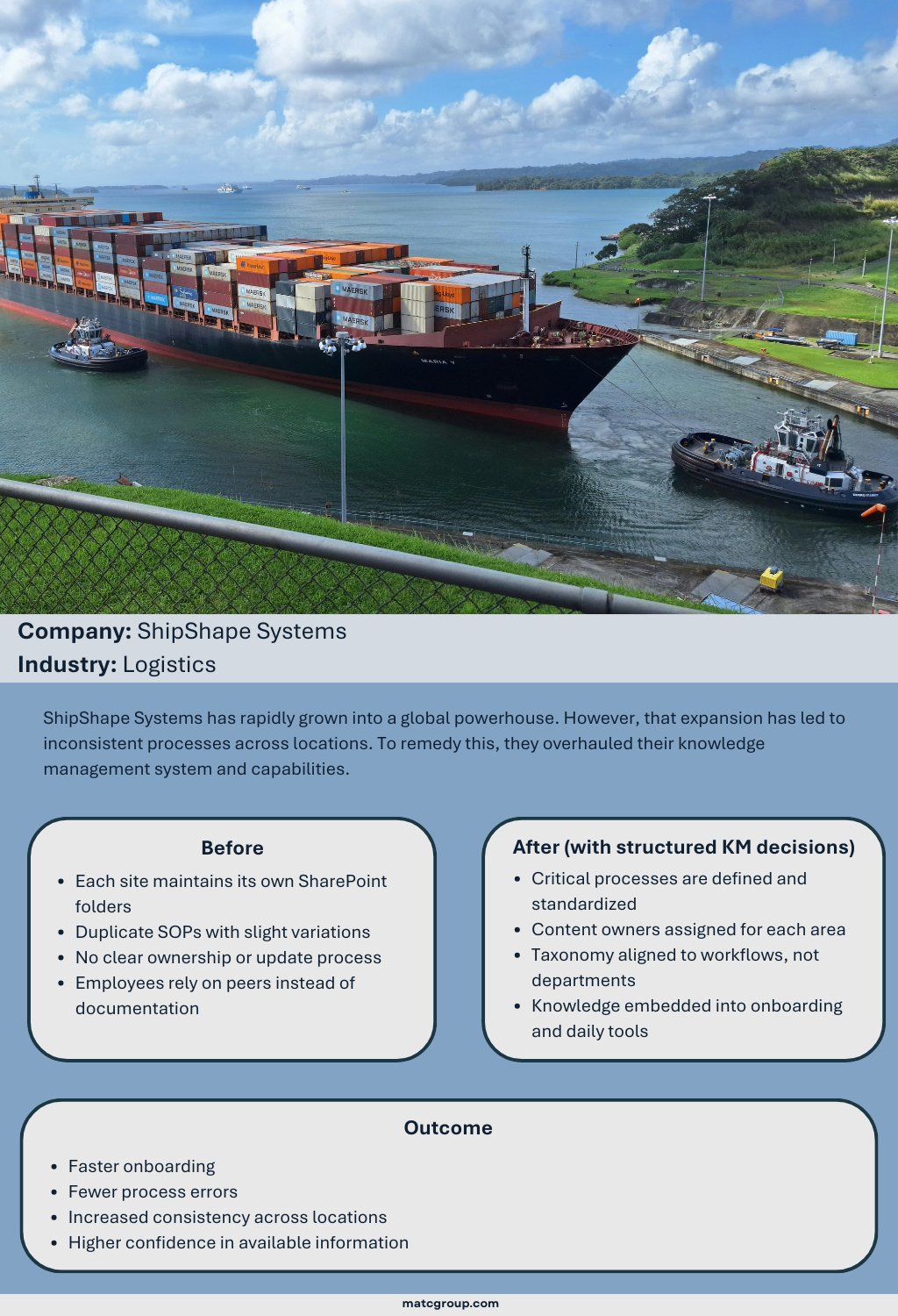
Alt text: A large container ship carrying stacked cargo containers is guided through a canal by tugboats, with water, shoreline, and distant ships visible under a partly cloudy sky. Text reads: Company: ShipShape Systems. Industry: Logistics. ShipShape Systems has rapidly grown into a global powerhouse. However, that expansion has led to inconsistent processes across locations. To remedy this, they overhauled their knowledge management system and capabilities. Before: Each site maintains its own SharePoint folders, Duplicate SOPs with slight variations, No clear ownership or update process, Employees rely on peers instead of documentation. After (with structured KM decisions): Critical processes are defined and standardized, Content owners assigned for each area, Taxonomy aligned to workflows, not departments, Knowledge embedded into onboarding and daily tools. Outcome: Faster onboarding, Fewer process errors, Increased consistency across locations, Higher confidence in available information.
Most organizations already have the content. What they need is structure, alignment, and a way to make it usable.
At MATC, we help organizations move from scattered information to a connected knowledge ecosystem that supports real work.
We focus on three core areas:
We also bring AI-driven insight into the process, helping organizations identify gaps, reduce duplication, and continuously improve how knowledge is managed.
The result is not just a cleaner SharePoint environment. It is a system where information is accessible, reusable, and aligned with business goals.
SharePoint does not fail on its own. It reflects the decisions behind it.
When leaders define what matters, assign ownership, establish practical governance, design intuitive taxonomy, and connect knowledge to work, the system starts to deliver real value.
That is the shift from storing information to enabling performance.
Documentation in the Age of AI: Why Clarity is a Competitive Advantage
When Disruption Hits, Can Your Teams Find the Right Answers Fast?
Documentation: The Unsung Hero of Crisis Prevention and Recovery
2025 Knowledge Management Priorities and Trends: Survey Report.” APQC. January 2025. Accessed 4/20/26. https://www.apqc.org/system/files/resource-file/2025-01/K015194_2025%20Knowledge%20Management%20Priorities%20and%20Trends%20Survey%20Report.pdf
Keddy, Dan. “Why Knowledge Management is More Than Your Siloed Data Sets.” LinkedIn. December 2025. Accessed 4/20/26. https://www.linkedin.com/posts/dankeddy_why-knowledge-management-is-more-than-your-share-7396530442600042496–OPN
Najjar, Rachad, PhD. “Why Knowledge Management Fails: It’s Not the Intent, it’s the Sustained Ownership.” LinkedIn. 12/4/25. Accessed 4/20/26. https://www.linkedin.com/pulse/why-knowledge-management-fails-its-intentits-rachad-najjar-ph-d-dsiof