The demo went beautifully. The features looked impressive. Everyone agreed the product would make life easier.
Then the customer tried to use it.
Suddenly, there were set-up questions, unfamiliar terms, and a help article that appeared to describe a slightly different product. The welcome email offered 14 links and wished them success. Success, apparently, required some detective work.
This is where product training becomes part of the customer experience. Every tutorial, setup guide, knowledge base article, and learning interaction helps shape how customers feel about what they bought and whether they can get value from it.
Customers bring a practical question to a new product: “Can I accomplish what I bought this to do?”
A software customer may need to configure an account and complete a first workflow. Someone purchasing equipment needs to understand setup, safe operation, and routine care. An administrator may need deeper instruction than the people using the product each day.
When guidance supports those needs, customers have a clearer path forward. Confusing instructions can leave them questioning the product, their purchase, or their own abilities.
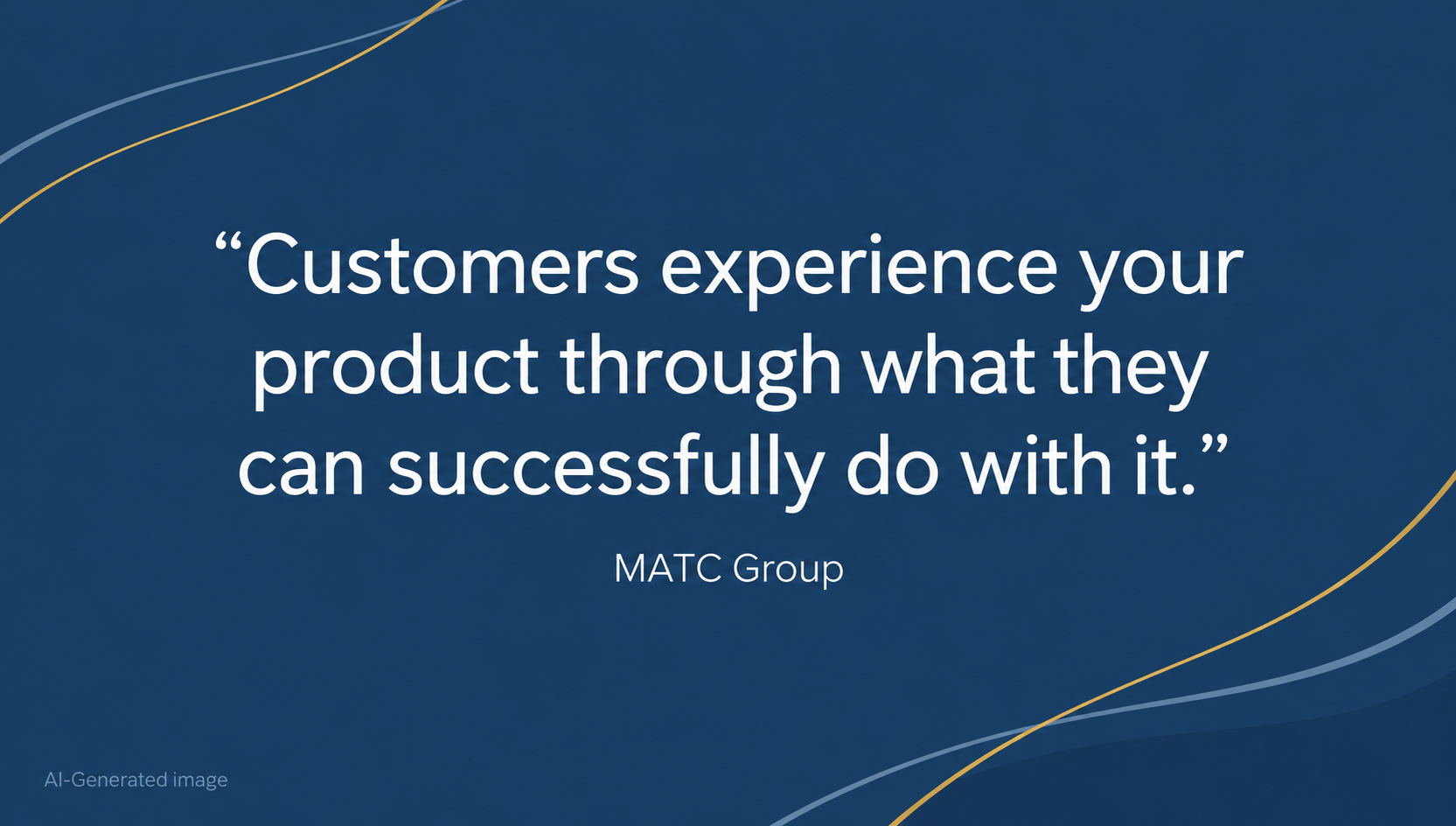
Customers experience your product through what they can successfully do with it.
That makes customer education a shared responsibility across product development, instructional design, technical writing, customer success, and support.
Help Customers Reach Their First Useful Result
A feature tour can introduce a product. Customers also need guidance that connects those features to a task they care about.
Consider a new project management platform. Customers might need to create a project, invite colleagues, assign responsibilities, and confirm that notifications work. A guided first project gives those features a purpose.
Start planning product training by asking:
Build a manageable starting path around those answers. Advanced options can follow when customers have a reason to use them.
Nobody needs to become the product’s unofficial historian before completing a basic task.
Customer learning happens at different times and under different conditions. A person setting up a product has different needs from someone troubleshooting a problem six months later.
A coordinated set of resources can support both.
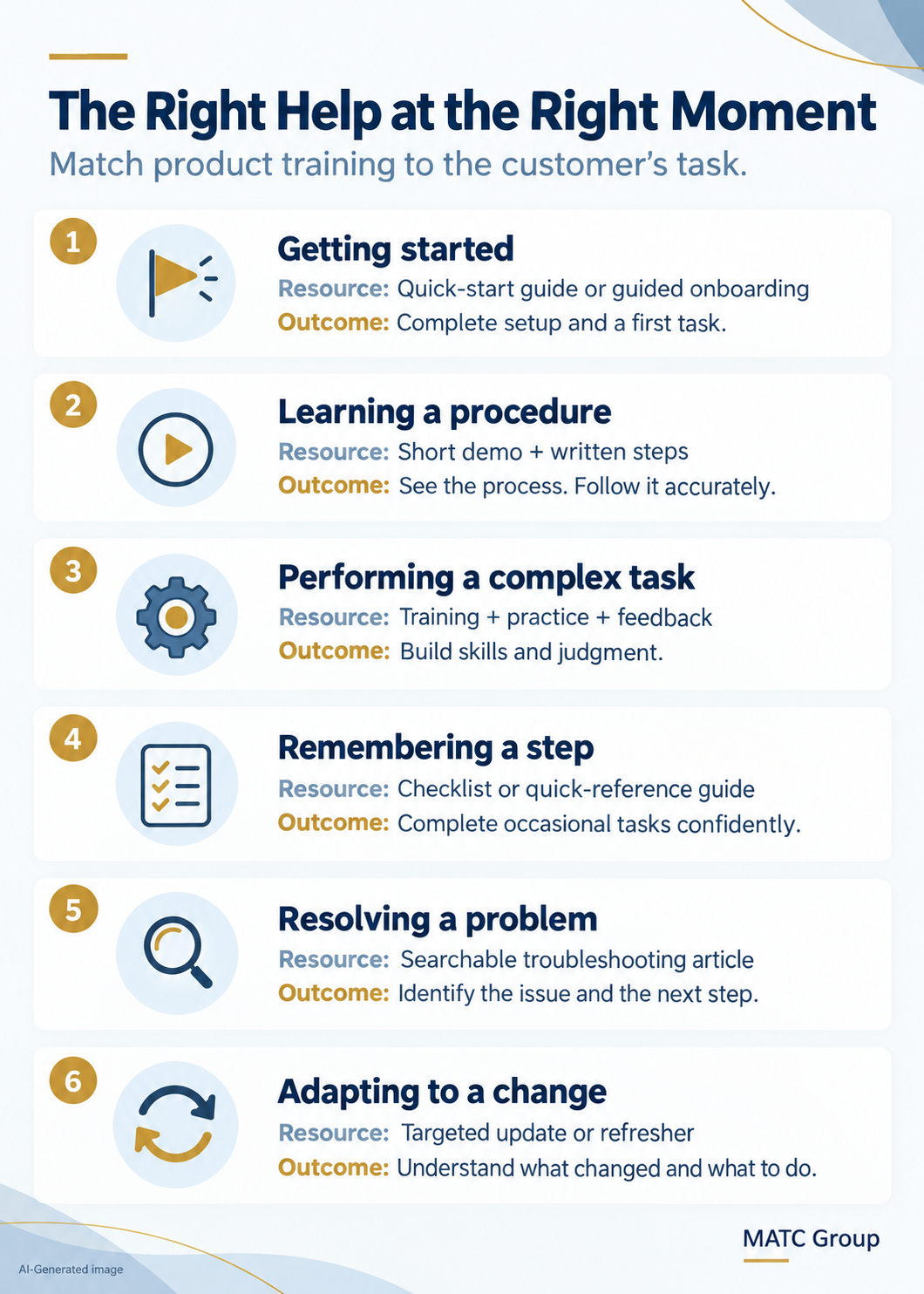
Video can be especially useful for demonstrating a process. In Wyzowl’s 2026 Video Marketing Statistics report, 63% of consumers said they would most like to learn about a product or service through a short video. That preference supports including video within a broader mix of resources.
Pair demonstrations with searchable written instructions, captions, and transcripts. Customers should be able to find a specific step without repeatedly dragging a video’s progress bar backward.
Even excellent training has limited value when customers cannot locate it.
Use titles that reflect customer questions and tasks. “Connecting Your Device” gives someone a clearer starting point than “Connectivity Functionality Overview.” Keep terminology consistent across the product interface, training, documentation, and support responses.
Make important distinctions visible, including:
Test the experience with people who are unfamiliar with the product. Ask them to find an answer and complete a task while you observe. Their hesitation can reveal assumptions that experienced employees no longer notice.
Every product update creates a customer learning moment.
A changed menu, revised setup sequence, or new operating requirement can make previously useful guidance confusing. Include training and documentation reviews in the release process, with named owners responsible for updates.
Support teams can help identify priorities. Repeated questions, unsuccessful searches, and recurring misunderstandings offer useful clues about missing or unclear guidance. Some patterns may also reveal a product-design problem that deserves attention.
Customers should have an easy way to report outdated instructions and reach a person when self-service resources cannot resolve their issue.
Measure Whether Customers Can Succeed
Course completions and video views show participation. To understand the customer experience, connect those measures with task performance.
Depending on the product, useful measures may include:
Interpret the results carefully. Fewer support requests may reflect clearer guidance, but they could also indicate that customers stopped trying. Combine usage data, support patterns, and direct feedback to understand what is happening.
Start with one high-friction customer task. Improve the guidance, test it with customers, and evaluate the result before expanding.
MATC brings together instructional design, technical writing, and knowledge management to help organizations create useful, connected learning experiences.
From customer onboarding and product tutorials to searchable documentation and performance support, effective education helps customers move forward with confidence.
Your product makes a promise. Clear, practical training helps customers experience it.
Knowledge as a Product: How to Design Information People Will Actually Use
Microlearning and In-the-Flow Training: The New Standard for Distributed Teams
What Good Instructional Design Looks Like in 2026
“Video Marketing Statistics 2026.” Wyzowl. 2025. Accessed 10/15/26. https://wyzowl.com/video-marketing-statistics