Remote and hybrid work aren’t just about where employees sit. They’re about how employees connect. And the best way to strengthen that connection is with a digital ecosystem designed to support communication, collaboration, and culture.
High-performing remote and hybrid teams don’t rely on a long list of digital tools scattered across departments. They rely on a coordinated system. One where tools talk to each other, workflows make sense, and employees can find what they need without digging through endless platforms or chasing down coworkers.
It’s not about having more technology. It’s about having the right technology working in sync.
In an office, engagement is reinforced through proximity. People pick up context from quick conversations, overheard updates, and spontaneous collaboration. None of that happens naturally in remote and hybrid settings.
A strong digital ecosystem fills the gap by making sure employees:
When these needs are met, engagement goes up. When they’re not, remote work becomes frustrating, isolating, and confusing. (See How Documentation Anchors Distributed Teams (And Keeps Us from Drifting Into Chaos.)
A strong digital ecosystem includes specific categories of tools that support the employee experience from onboarding to everyday work. Here’s what matters most:
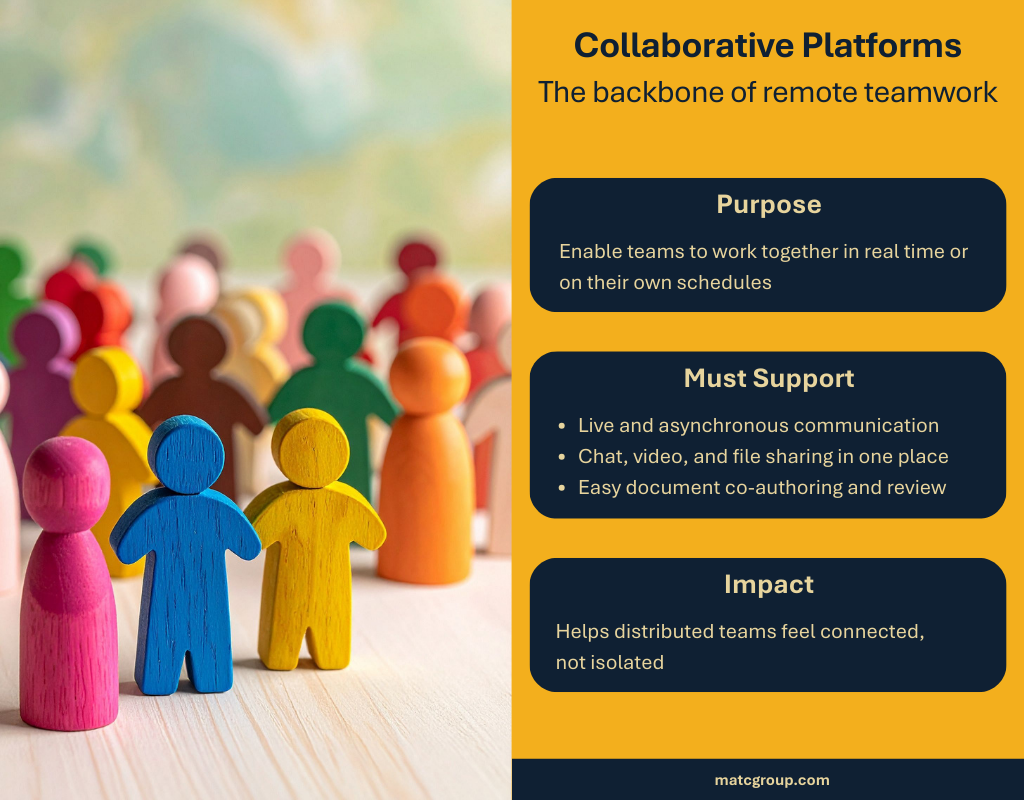
This category is the backbone of remote teamwork. Tools like Microsoft Teams, Google Workspace, and Zoom make it possible to meet, plan, share documents, and collaborate in real time.
A good collaboration platform should:
These tools help distributed employees feel like they’re working with each other, not near each other. (See Communication Strategies for Change Management.)
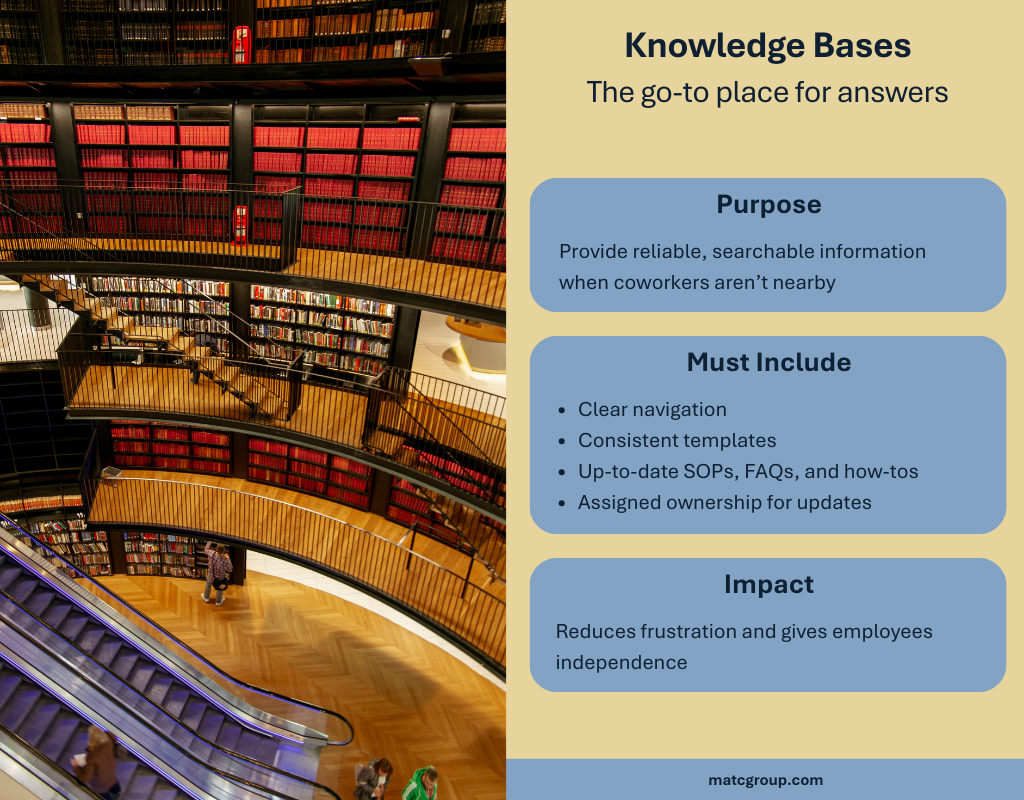
When employees can’t turn to the coworker next to them, they need a reliable place to find answers. Enter the knowledge base.
A strong knowledge management environment improves engagement by reducing frustration and giving employees autonomy. The right knowledge base offers up-to-date SOPs, guidance, FAQs, and how-tos, all organized and searchable. (See The Science of Employee Motivation: Why Documentation Matters More Than You Think.)
A good knowledge base should:
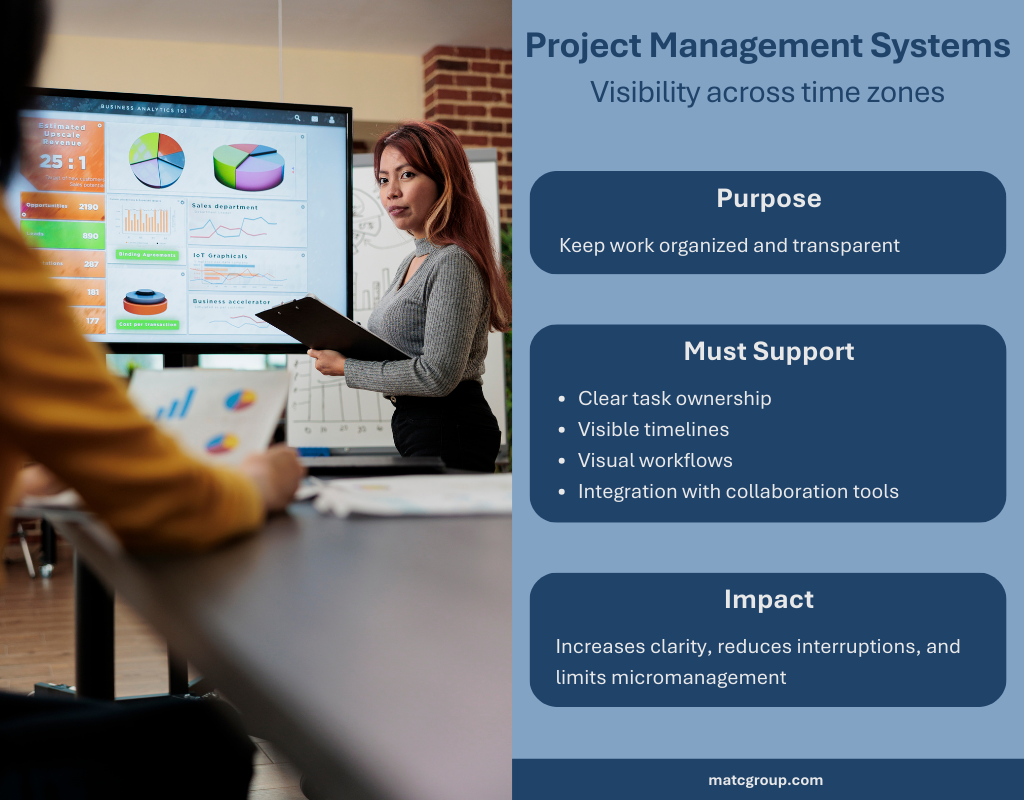
Project visibility is essential when teams are spread across time zones and locations. Tools like Asana, Monday, ClickUp, or Jira help teams track priorities and responsibilities.
These systems improve engagement by giving employees clarity on what’s happening and where they fit in. They also reduce micromanagement and interruptions.
Strong tools should support:
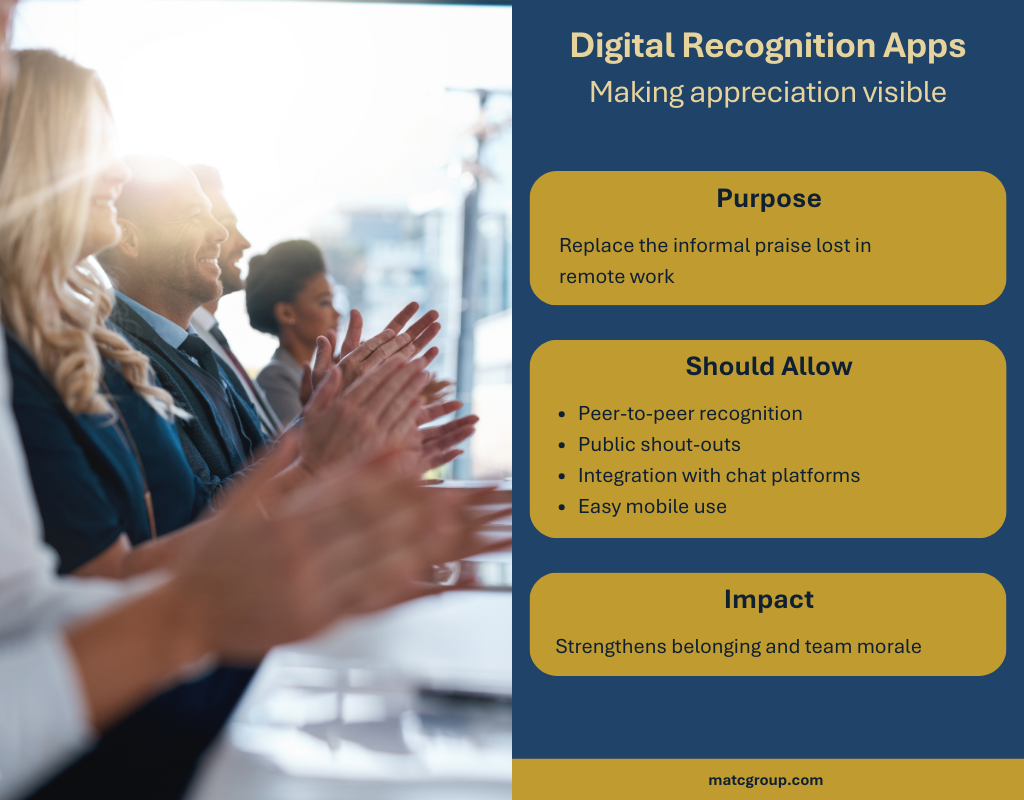
Remote employees often miss the informal praise they once received in person. Digital recognition platforms fill that gap by making appreciation visible across distributed teams.
Recognition supports engagement because it builds community and reinforces belonging.
Recognition apps should allow:
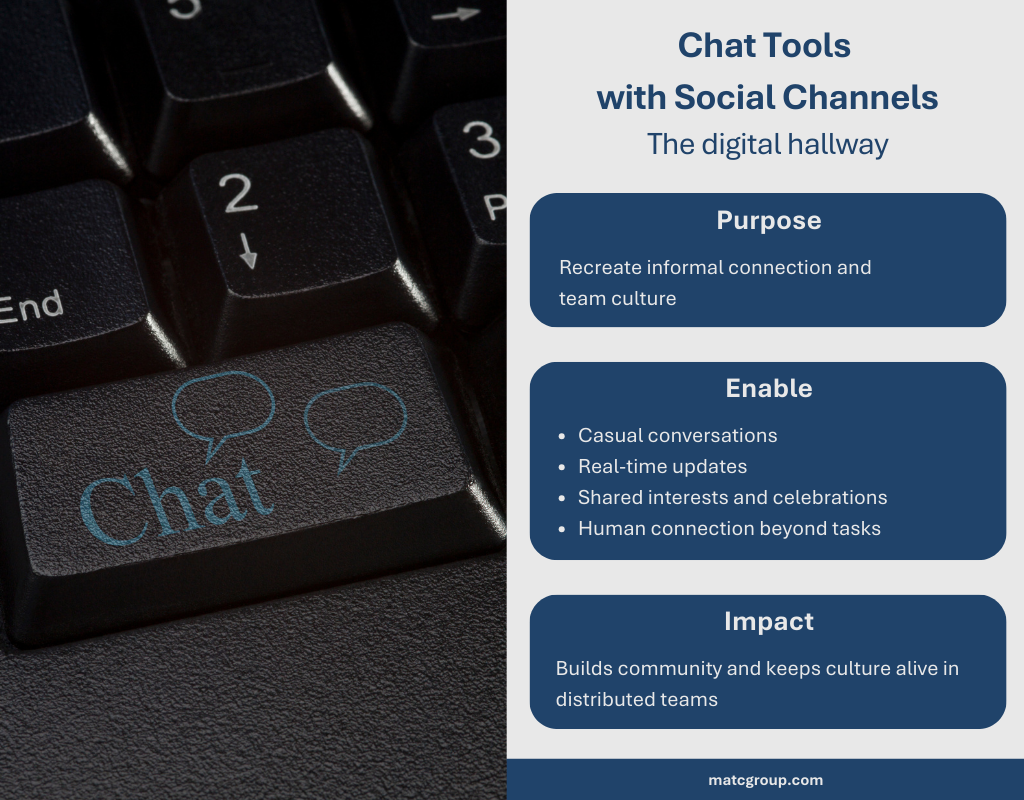
Chat tools have become the digital version of hallway conversations. Channels dedicated to team fun, hobbies, celebrations, or even pets bring back the social glue that office environments once provided.
These tools support engagement by enabling:
Just make sure the tool is structured enough to stay organized, with clear guidelines for communication. (See How Technical Writing Drives Change Management Success.)
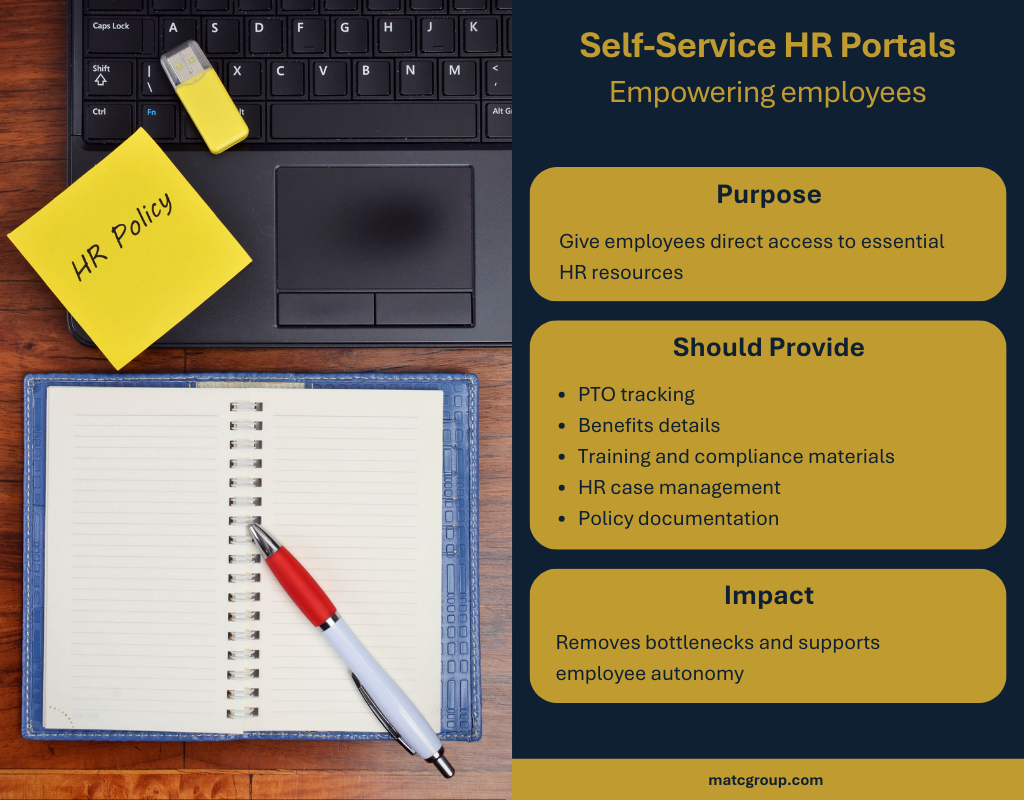
Employees shouldn’t have to hunt for basic HR information or wait for someone to respond to a message about benefits or PTO. Self-service HR portals empower employees to handle their own needs and reduce bottlenecks.
A strong self-service HR system provides:
These portals support engagement by giving employees independence and removing unnecessary barriers.
Many organizations already have these six tool categories. The real problem isn’t tool scarcity, it’s tool sprawl.
When tools don’t talk to each other, engagement decreases because employees:
A strong digital ecosystem integrates tools, so they reinforce each other. A chat message links to a project task. A knowledge base entry appears in search across multiple systems. A recognition app posts automatically on team channels. (See Reskilling & Upskilling for 2026: What Professionals Should Be Ready For.)
The goal: technology that supports human work, not technology that creates more of it.
If building a cohesive digital ecosystem feels overwhelming, start with a simple audit.
Ask questions like:
Hybrid engagement strengthens when the ecosystem is clear, consistent, and built around actual workflows.
The bottom line: Hybrid success isn’t just about where people work. It’s about whether the right tools support how they work.
Resilience in the Workplace: How Knowledge Management can Help Organizations Adapt to Uncertainty
Redesigning the Purpose of the Office: Why Hybrid Work Requires Intentional In-Person Time
Engagement Matters: Turning the Tide on Workforce Discontent