If you’ve ever spent weeks creating the perfect user guide only to receive an email asking a question answered in the first paragraph, congratulations! You’ve experienced the Documentation-Disconnection Problem.
This phenomenon occurs when organizations carefully create documentation, publish documentation, announce documentation, and train people on documentation, only to watch everyone immediately ignore the documentation.
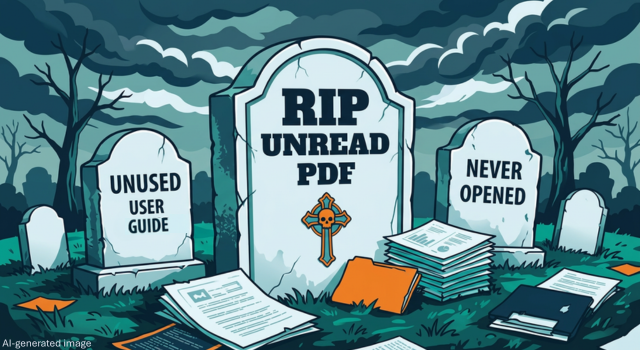
Somewhere in the corporate universe exists a vast graveyard filled with unread PDFs, abandoned knowledge bases, and employee handbooks that have never been opened past page two. The frustrating part is that documentation matters. Organizations depend on it to support onboarding, training, compliance, operations, customer success, and business continuity.
So why don’t people read it? It’s not meant as a personal insult, but they refuse to read documentation that doesn’t help them.
Many organizations operate under a simple assumption:
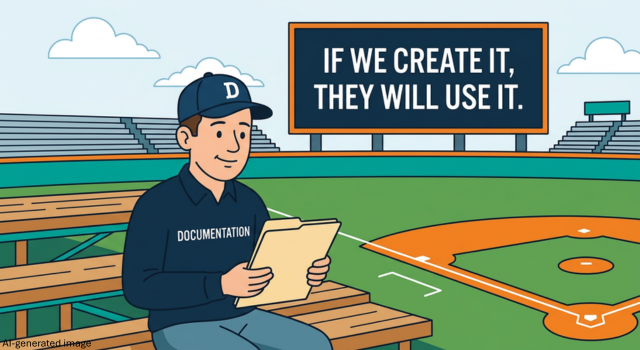
“If we create the documentation, people will use it.”
It’s the Field of Dreams approach to documentation: if you build it, they will come. Unfortunately, most organizations don’t end up with a magical baseball field. They end up with a SharePoint site, seven folders named “Final,” and a support team wondering why nobody can find anything.
Creating documentation is important. Publishing it is necessary. But neither guarantees adoption. People are busy. They’re juggling deadlines, notifications, meetings, and approximately 47 browser tabs. When they need information, they’re looking for the fastest path to success, not a leisurely journey through a 200-page PDF.
Before we blame users, let’s acknowledge an uncomfortable truth: people are incredibly good at consuming information they actually need. Millions of people can locate a 37-second video explaining how to fix a washing machine at 11:42 p.m.
The problem isn’t that people won’t read. The problem is that many organizations accidentally create documentation that feels like a punishment.
Many documents begin with good intentions and end up sounding like they were written by a committee of engineers communicating through legal counsel.
Consider the difference:
Users don’t think in organizational structures, policy language, or system architecture. They think:
When documentation answers a different question than the one users are asking, readers disappear quickly.
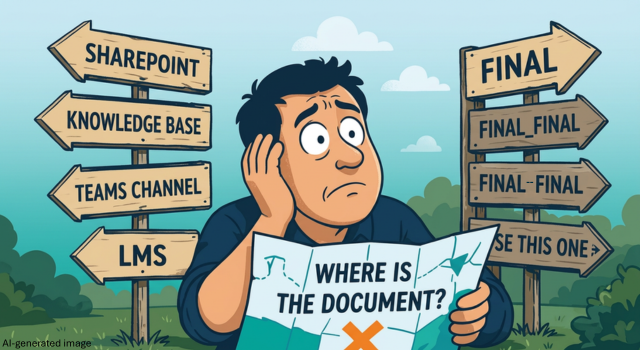
Few workplace experiences are more frustrating than knowing information exists somewhere but having no idea where. Many organizations have developed sophisticated information ecosystems consisting of:
Unfortunately, the correct document is usually located in Archive > Legacy > Old Archive > Misc > New Folder (2). At some point, users stop searching and start improvising.
Documentation teams often feel pressure to include everything: every exception, every scenario, every edge case. Need instructions for changing a password? Here’s:
The actual password reset instructions begin on page 14. Users rarely want comprehensive information. They want sufficient information. There’s a difference.
Here’s the secret: Nobody wakes up thinking, “I hope I get to read documentation today.”
People wake up thinking:
They’re not seeking documentation. They’re seeking progress.
Organizations that understand this shift stop asking, “How do we get people to read our documentation?” Instead, they ask, “How do we help people succeed?”
People rarely search for “Enterprise Authentication Governance Procedures.”
They search for:
Organize information around what users need to accomplish rather than how experts categorize information.
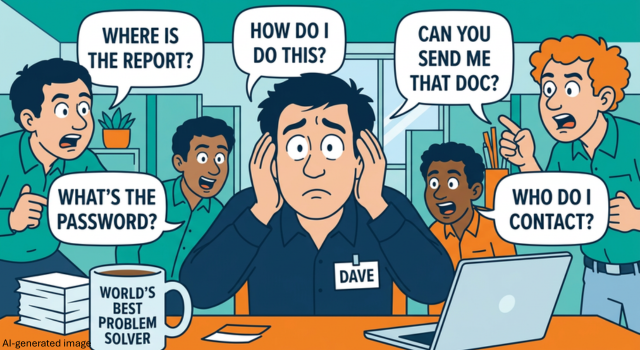
Every organization has a Dave.
If your knowledge management strategy depends entirely on Dave, you don’t have a knowledge management strategy. You have a Dave dependency. Documentation should be easier and faster to find than interrupting Dave.
Clear language is not unprofessional. Complex language is not impressive. Good documentation sounds like a knowledgeable person helping another person complete a task. Use:
Users should never need to translate documentation into English before using it.
Instead of expecting users to stop working and search through multiple systems, bring guidance directly into workflows whenever possible. Examples include:
The easier information is to access, the more likely people are to use it.
Many organizations measure documentation success by volume.
By that logic, the graveyard of unread PDFs is an overwhelming success.
Users don’t care how much documentation exists. They want information that helps them solve problems. Track metrics such as:
Instead of focusing on the volume of documentation created, focus on improved outcomes.
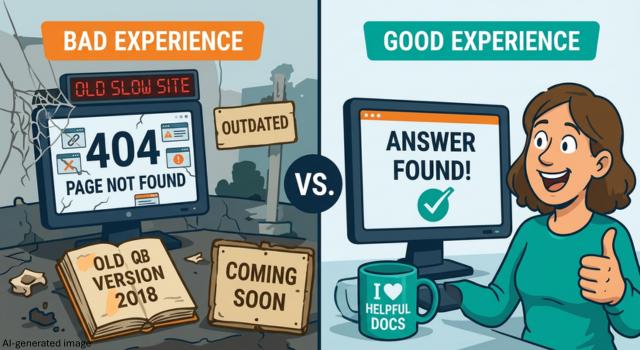
Documentation often gets treated as an administrative requirement. In reality, it’s a user experience. Think about the last time you searched for help and found:
Now you have something worse than a documentation problem, you have a trust problem. Every interaction with a guide, knowledge base article, SOP, or job aid shapes how people feel about a system, process, or organization.
When documentation is confusing, users feel frustrated. When guidance is clear and accessible, users feel capable and confident. In many cases, documentation isn’t just supporting the user experience; it IS the user experience.
Effective documentation is about more than creating content. It’s about connecting people with the information they need, when they need it, in a format they can actually use.
MATC helps organizations improve knowledge management, learning experiences, documentation strategies, performance support resources, and digital adoption initiatives that drive measurable business results. Whether you’re modernizing a knowledge base, redesigning training materials, improving user experience, or supporting organizational change, MATC can help transform information into action.
Why Poor Documentation Hurts Morale, And What to Do About It
Documentation: The Unsung Hero of Crisis Prevention and Recovery
Reducing Cognitive Load with Better Documentation: Lessons from I-O Psychology