
Today is Clean Out Your Computer Day, the holiday nobody plans for and everyone desperately needs. It sneaks up on you like a low-storage warning at 4:57 p.m. or a laptop fan that sounds like it’s preparing for liftoff.
Somewhere on your computer is a file named final_v3_REALLY_FINAL_THIS_TIME.docx. Nearby is a screenshot you saved in 2019 for reasons that are no longer clear. Your Downloads folder has become a museum exhibit entitled Things I Absolutely Needed for Five Minutes.
Today, we clean. Or at least, we acknowledge the mess.
Your computer has been through a lot. It’s running on caffeine-level power settings, juggling 27 browser tabs, and politely pretending it knows which file you want when you type “report” into the search bar.
Digital clutter doesn’t just slow machines down. It slows people down. Every extra click, scroll, and “where did I save that?” sigh chips away at your patience.
A clean computer won’t solve all your problems, but it will stop gaslighting you when you search for a document you know exists.
The Downloads folder is where good intentions go to rest.
Inside you will find:
If you do only one thing today, make it this: open Downloads, sort by date, and start deleting with confidence and reckless abandon.
If you haven’t opened it in two years, you probably won’t start today.
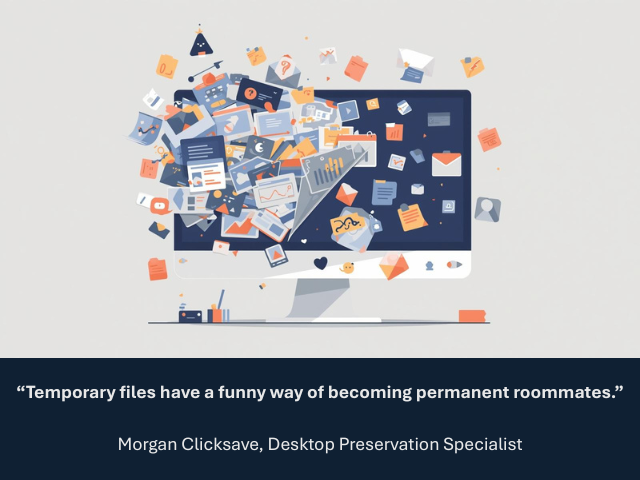
Somehow, the desktop became the place where files go to feel “temporarily safe.” Temporarily, in this case, means forever.
Your desktop does not need:
Folders are not a punishment. Create a few. Name them something sensible. Move things into them. Enjoy the strange calm of seeing your wallpaper again.
Open tabs are not productivity. They are unresolved emotional commitments.
At some point, “I’ll read this later” became a lifestyle.
Do yourself a favor:
Your browser will thank you. Your RAM will throw a party.
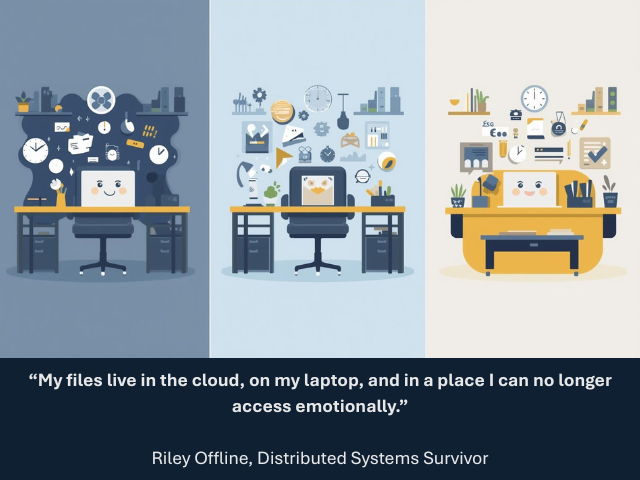
The clutter may change depending on where you work, but the chaos remains universal.
You are not the only person who uses this computer. Please stop saving things to the desktop. Everyone sees that.
You have the same file in three places with three different names. None of them are the right one.
Personal photos, work documents, random downloads, and a recipe you meant to try once are all living together in uneasy harmony. Boundaries are healthy. Even for files.
At some point you installed:
They are still there. Watching. Waiting.
If you don’t remember installing it and you’ve never used it, it’s time to let go. This is not a breakup. It’s closure.
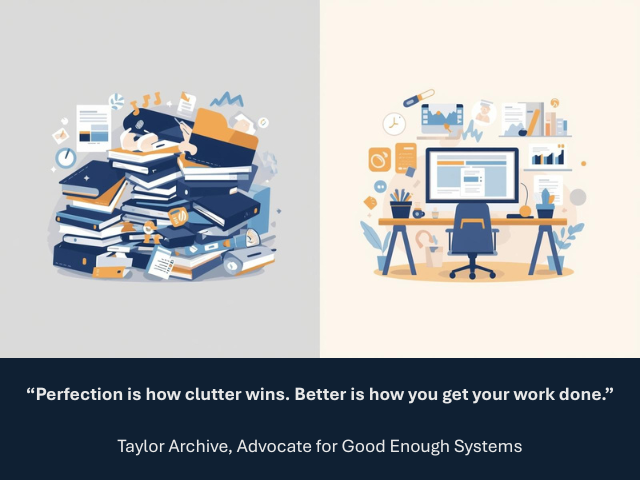
Clean Out Your Computer Day is not about achieving digital enlightenment. It’s about making tomorrow slightly less annoying.
Set a timer. Delete a few things. Organize one folder. Stop before you spiral into rewriting your entire file system.
Progress beats perfection. Always.
Your computer works hard. So do you.
A little cleanup is a thank-you note written in fewer clicks, faster load times, and one less moment of staring at the screen wondering where everything went.
Clean what you can. Ignore the rest. Repeat next month.
Your machine will survive. Your sanity might even improve.
Names, characters, businesses, places, events, and incidents are either the products of the author’s imagination or used in a fictitious manner. Any resemblance to actual persons, living or dead, or actual events is purely coincidental.
The Human Side of Technology: Why Tools Don’t Transform Organizations, People Do
Reclaim Your Desk and Recharge Your Productivity
Burnout, Meet Your Match: How Knowledge Management Keeps Teams Sane